# Redraw — AI-Powered Rendering for Architects and Interior Designers
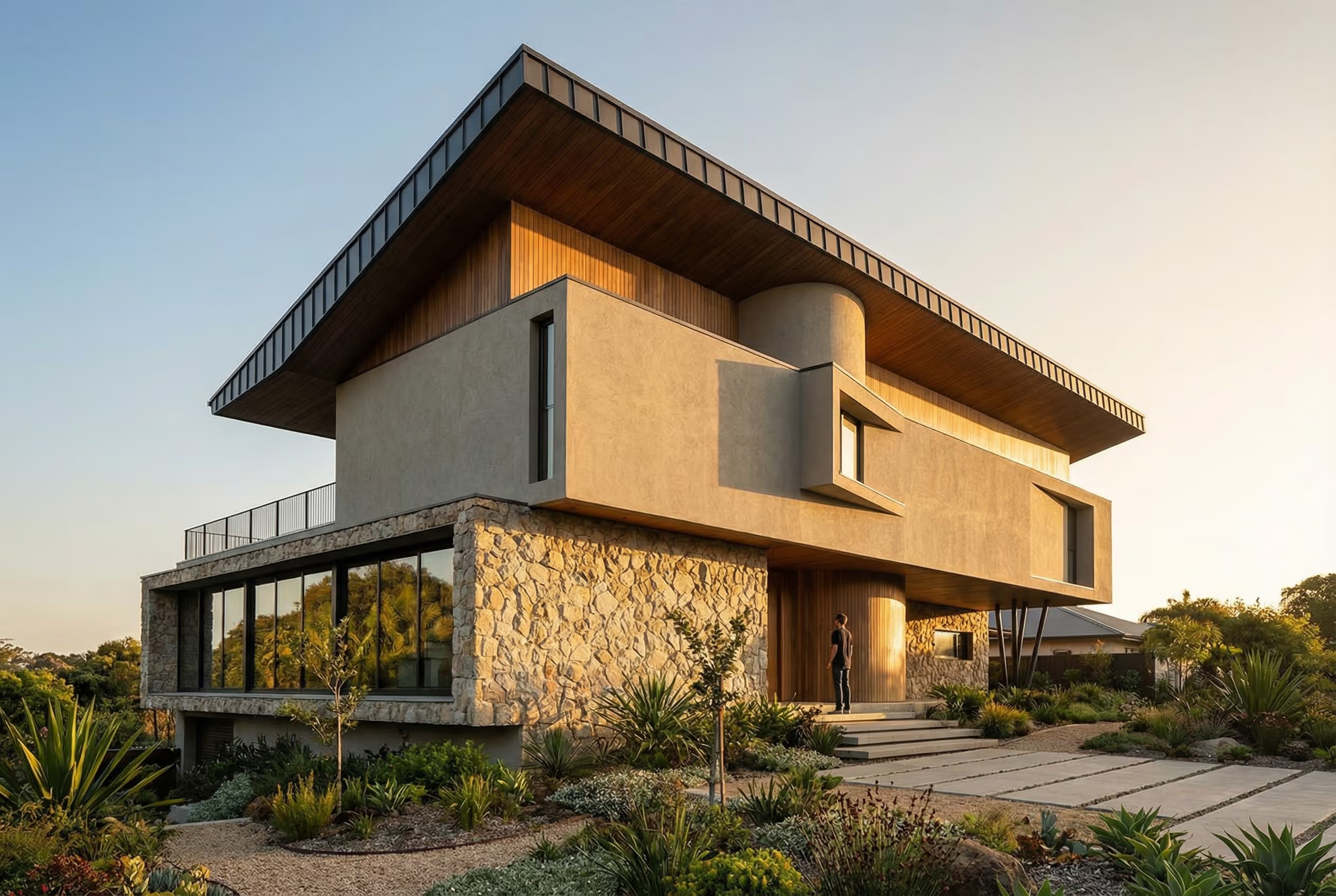
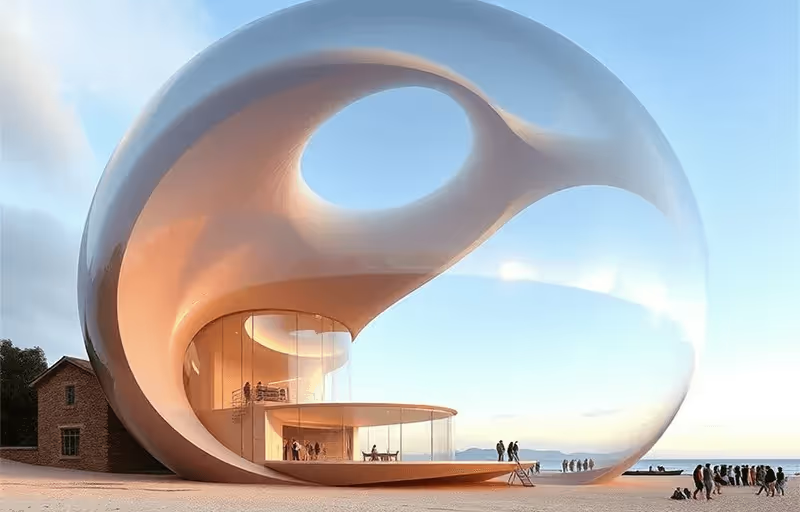
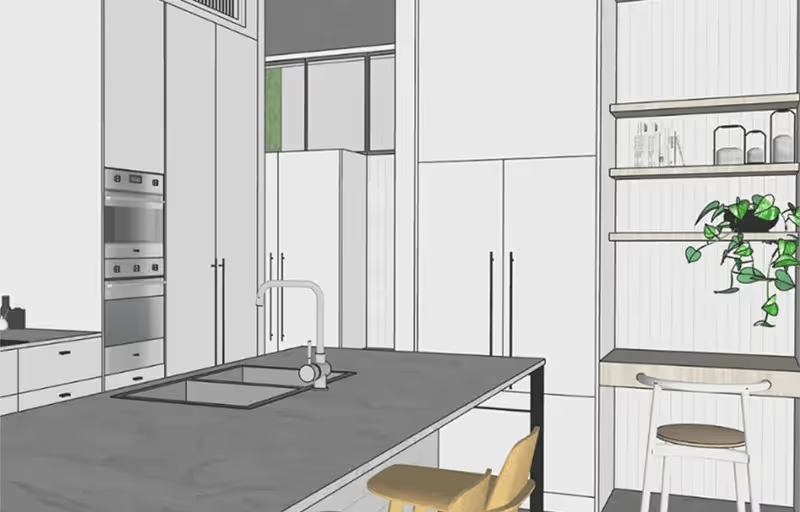
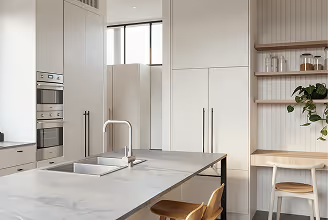
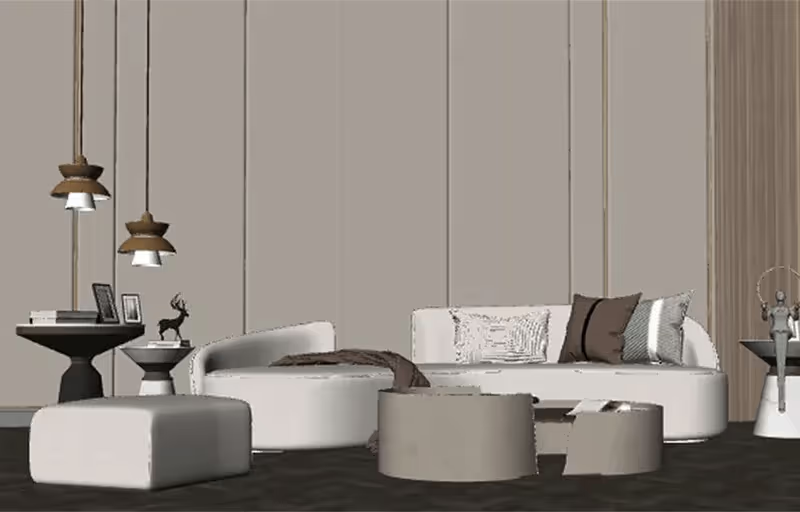
> Redraw is a cloud-based AI rendering platform that transforms 3D model screenshots (SketchUp, Revit, ArchiCAD) into photorealistic architectural images in under 30 seconds — no expensive hardware, no complex software, no prompts required. Built specifically for architects, interior designers, and engineers.
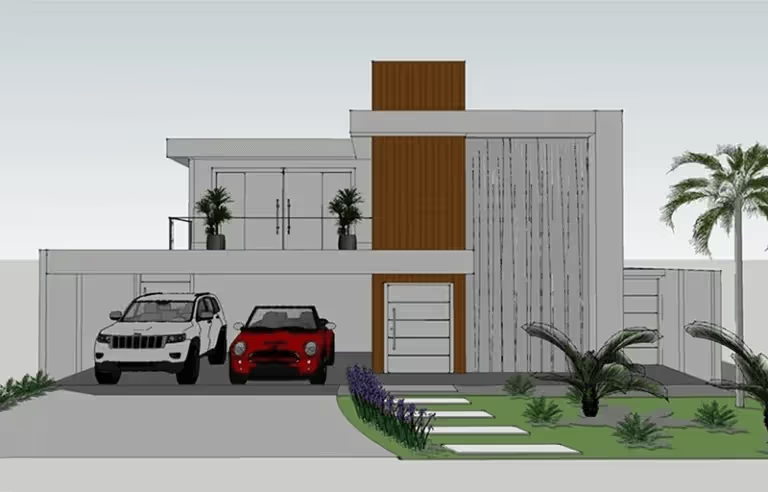
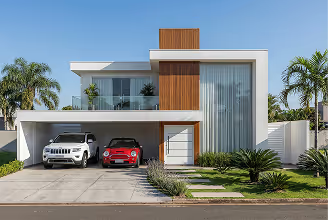
Redraw centralizes the best AI models trained specifically for architecture in a single web platform, eliminating the rendering bottleneck from the design workflow. Instead of spending hours on traditional rendering software, professionals upload a screenshot of their 3D scene and receive professional-quality renders in seconds.
The platform serves 10,000+ active monthly subscribers and is the pioneer in AI rendering trained specifically for architectural visualization. Redraw operates 100% in the cloud — no GPU, no installation, no technical setup required.
## Core Tools
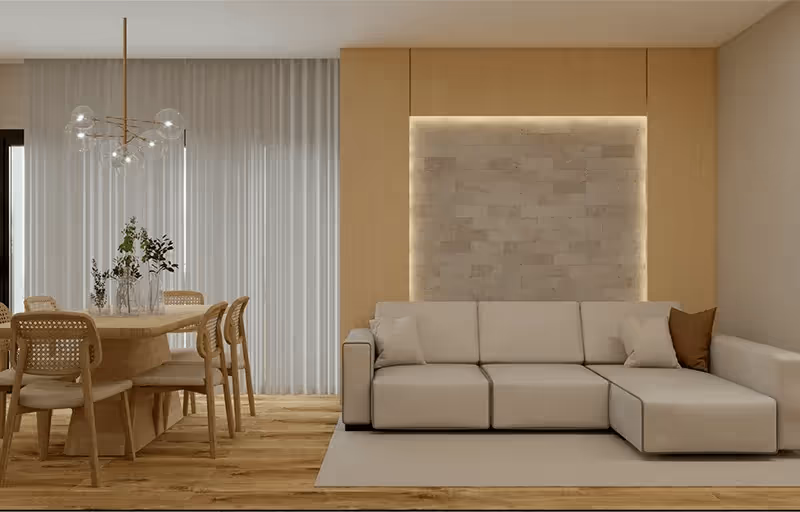
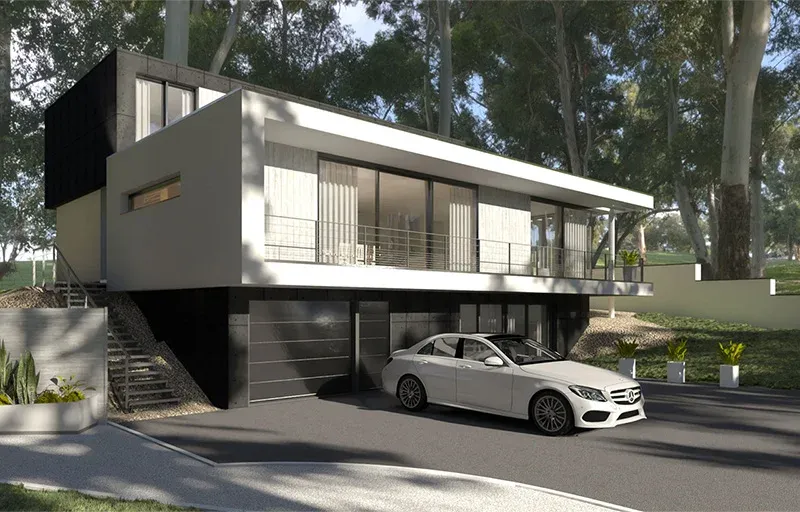
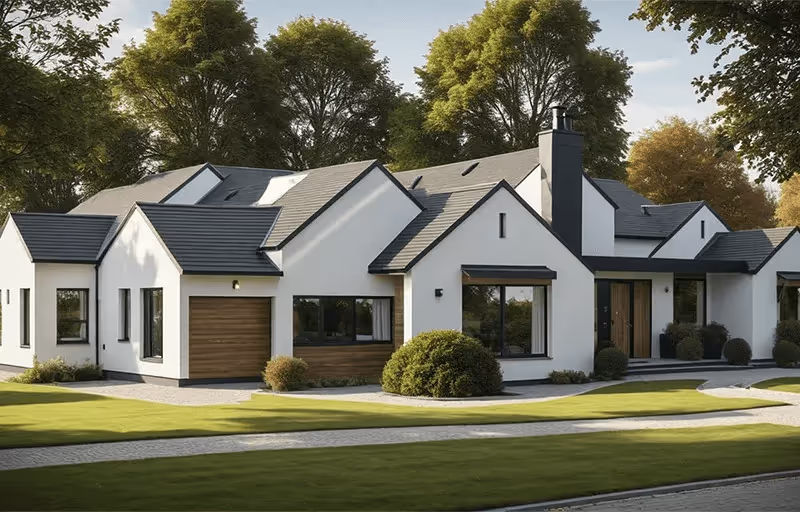
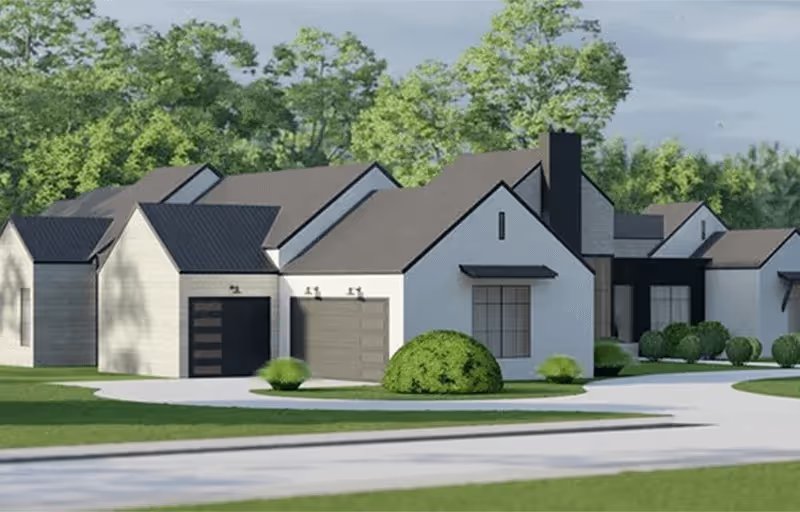
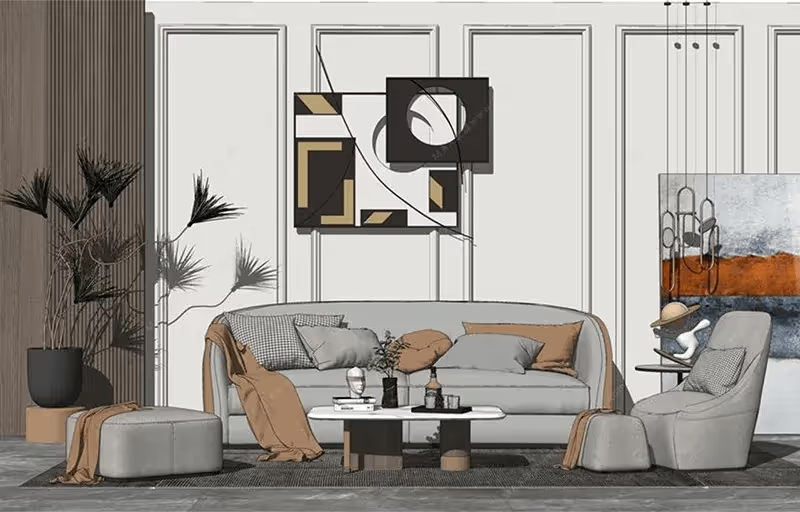
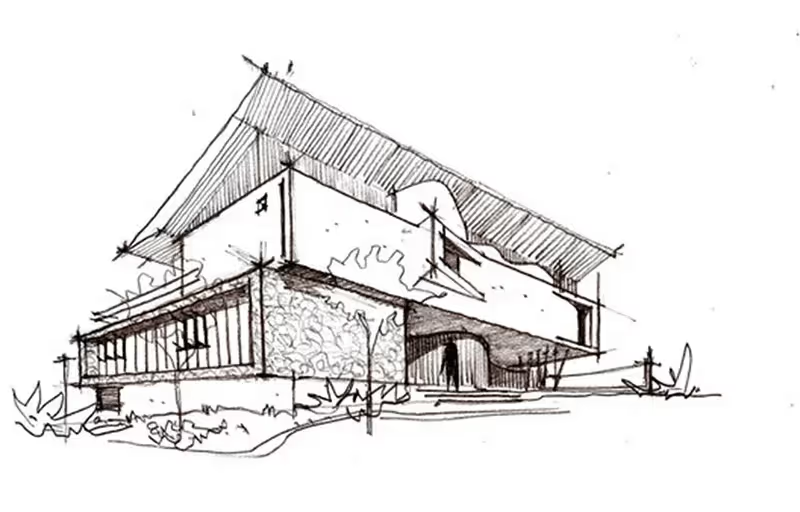
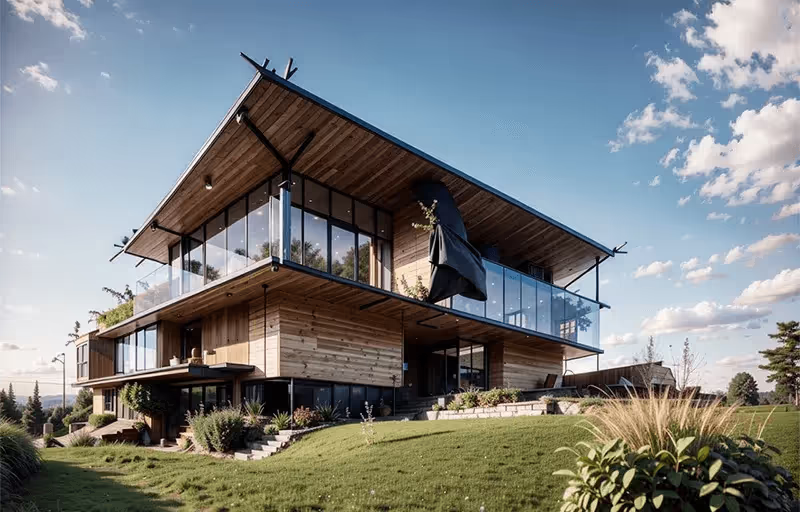
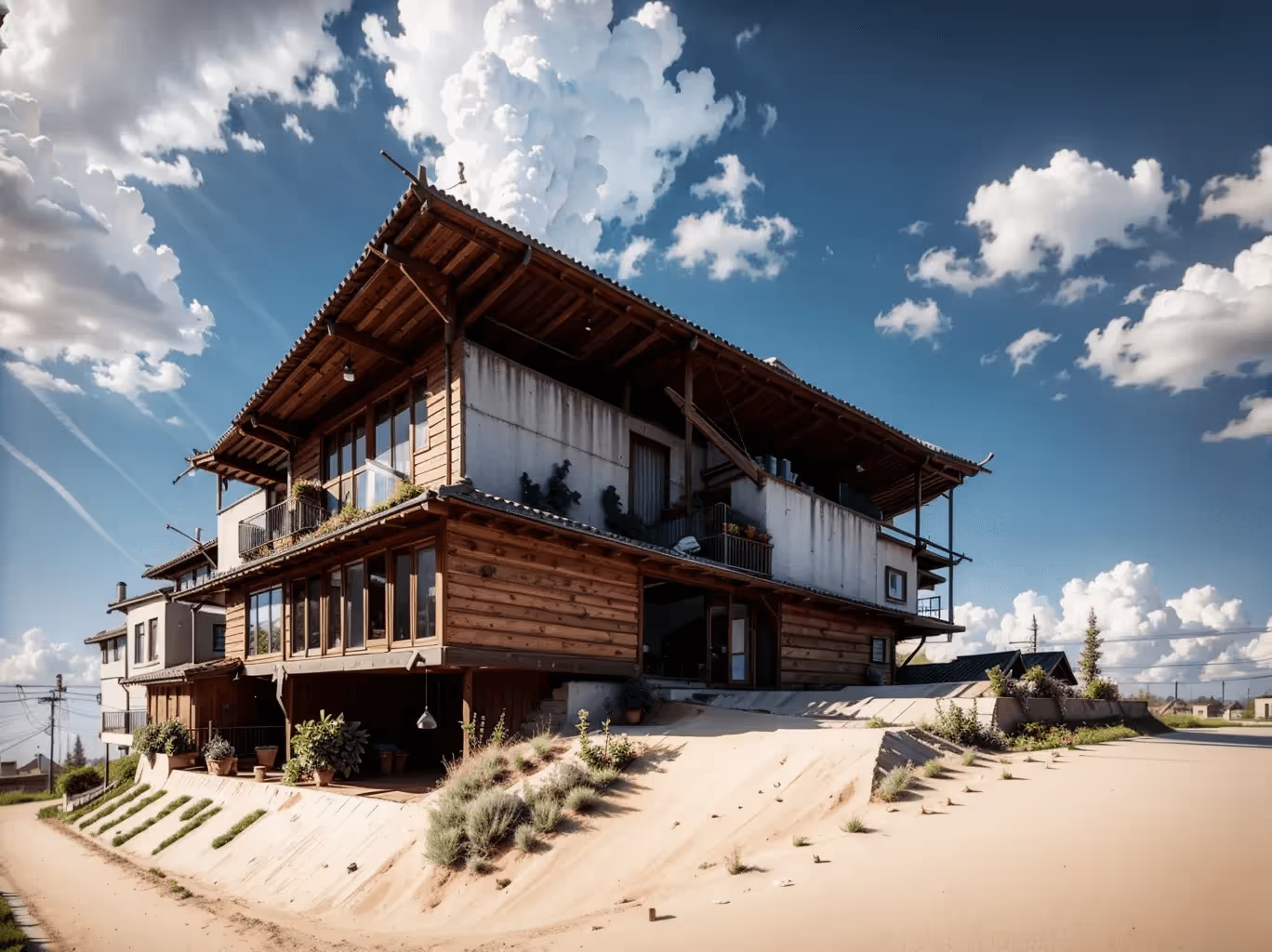
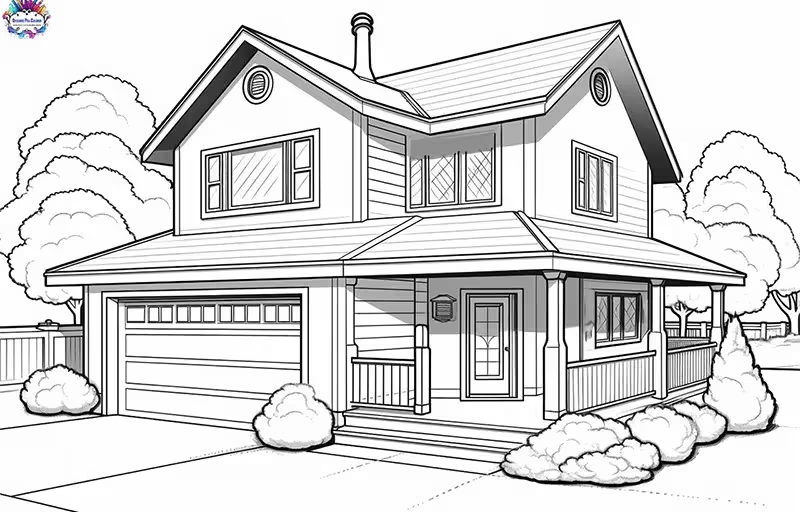
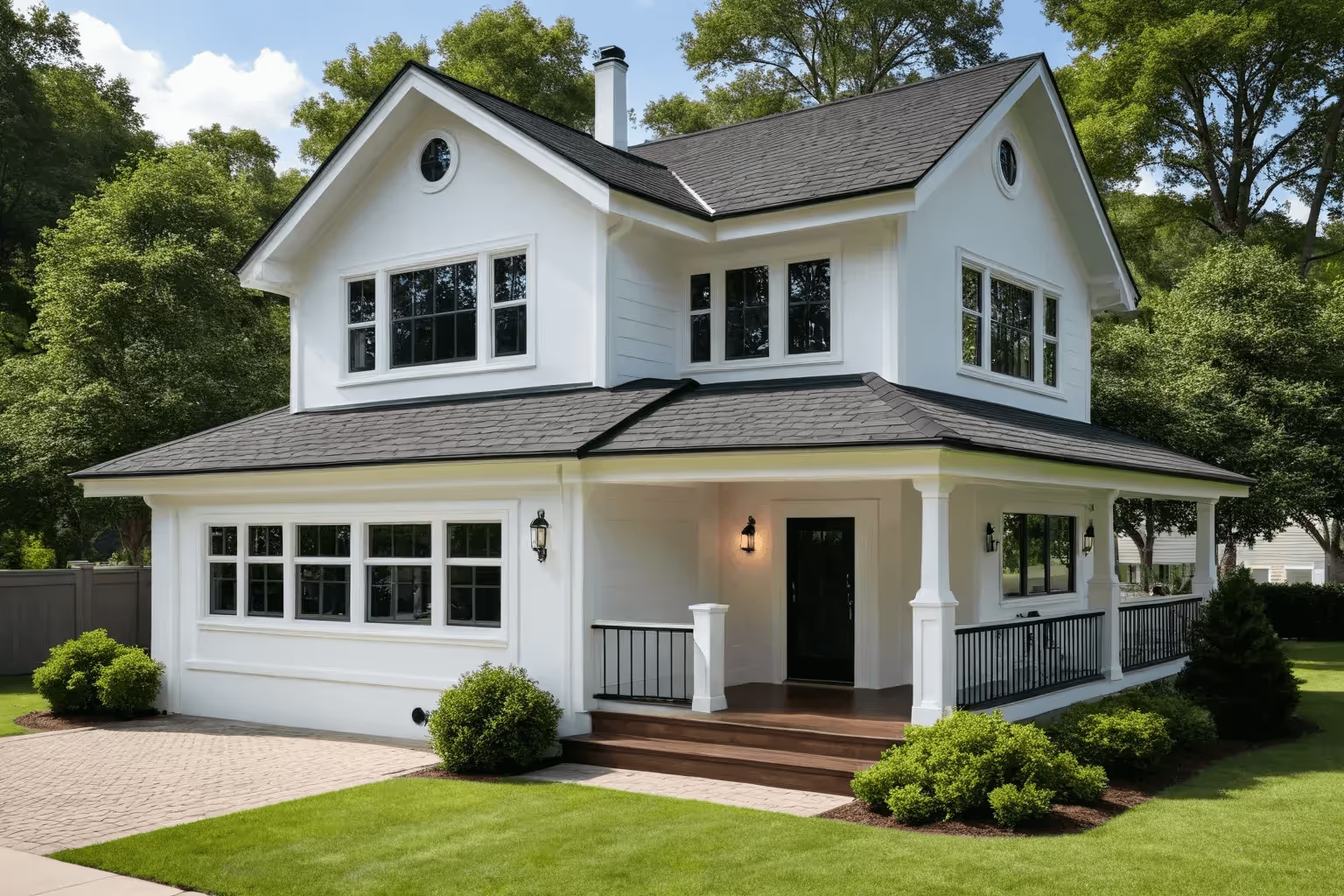
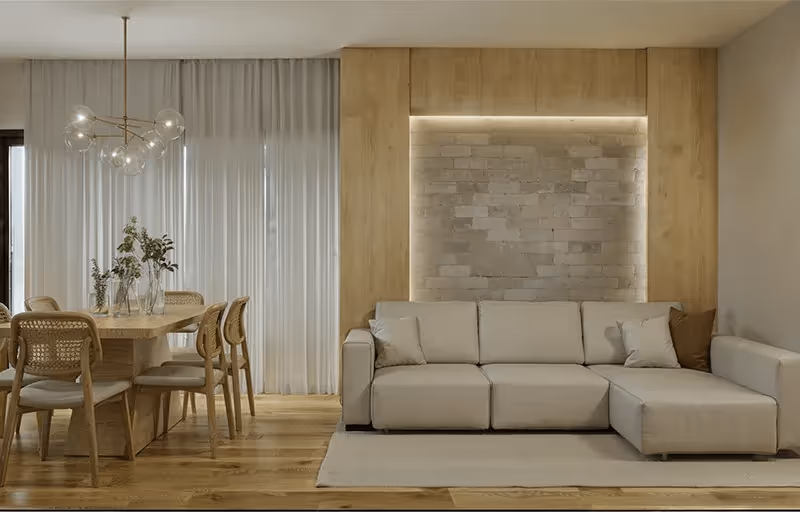
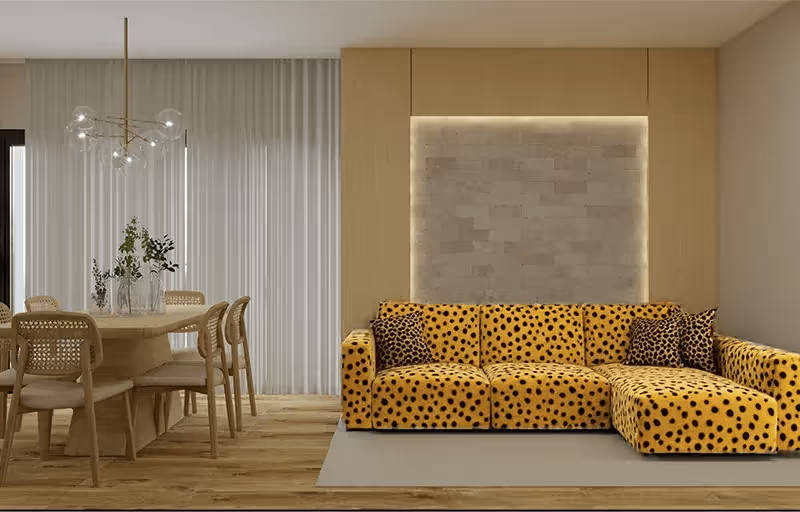
- [AI Render](/en): Transform any 3D model screenshot into a photorealistic render in under 30 seconds. Works with SketchUp, Revit, ArchiCAD, and any 3D software. Supports both interior and exterior scenes. No prompts needed — the AI is trained on architectural references.
- [Brush Tool](/en): Edit specific areas of a render without regenerating the entire image. Modify objects, textures, materials, and details with precision. Gives architects full creative control over the final result.
- [Reference Image](/en): Upload a reference photo and the AI reproduces its lighting, shadows, color grade, and atmosphere in your render. Maintains your personal visual style across all projects.
- [Multi-Angle Rendering](/en): Generate multiple views of the same project with visual consistency. Different angles maintain the same materials, lighting, and style — no inconsistencies between rooms or views.
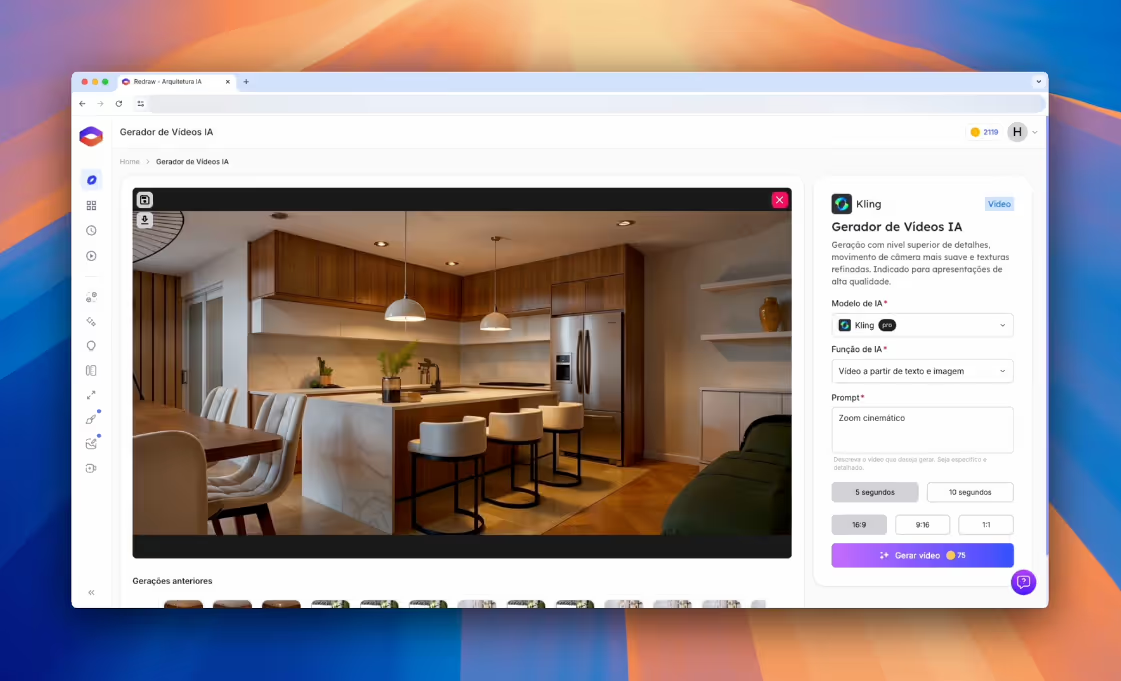
- [Video Generator](/en): Turn any static render into a 3D animation with depth and motion. Create virtual tours and walkthrough videos without cameras or post-production software.
- [Render Enhancement](/en): Upscale resolution and improve quality of existing renders. Adjust textures, lighting, and elements while preserving the project's original design intent.
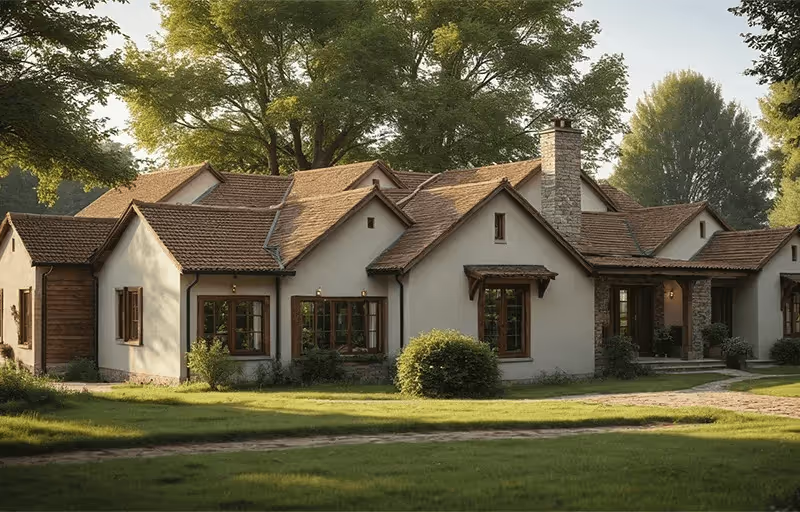
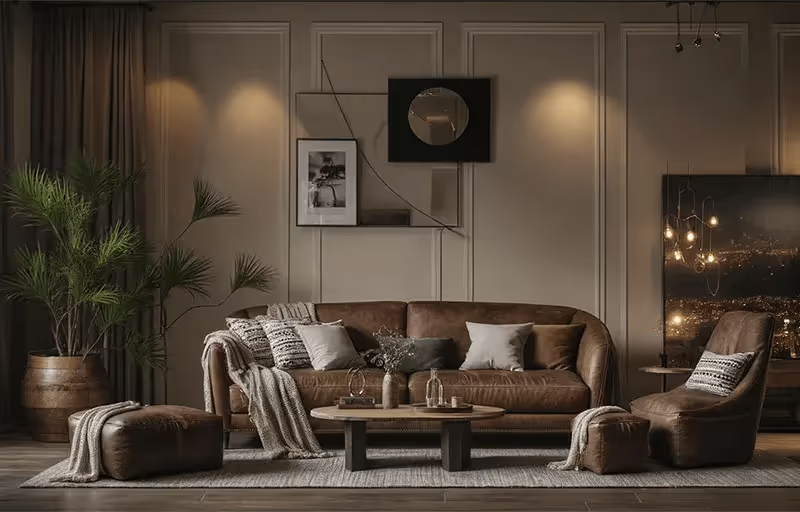
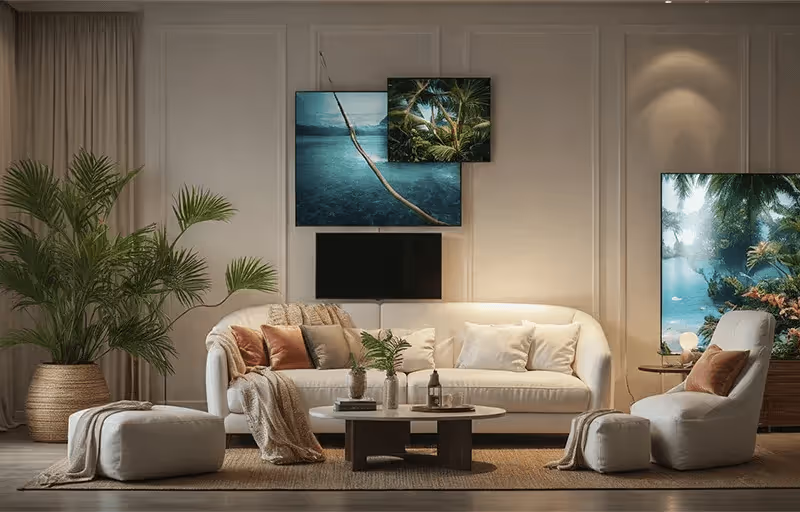
- [Idea Generator](/en): Generate multiple design variations from a single base. Explore different styles, materials, and atmospheres on the same floor plan in minutes.
## Use Cases
- **Conceptual Design & Ideation**: Test visual directions and styles before investing in detailed 3D modeling. Explore 10 different atmospheres in 2 minutes.
- **Client Presentations**: Generate professional renders for client meetings and approvals. Clients understand the design intent faster than with technical drawings.
- **Style & Material Iteration**: Test color palettes, lighting setups, and material combinations on the same base scene without manual re-modeling.
- **Proposals & Competitions**: Create compelling visualizations within tight deadlines for bids, proposals, and architecture competitions.
- **Portfolio & Social Media**: Produce high-quality visual content optimized for Instagram, TikTok, Pinterest, and professional portfolios.
## Pricing
- [Pricing Plans](/en/pricing): Plans start at approximately $15/month (R$67/month in Brazil). All plans include full access to every tool — the only difference is the number of coins (render credits). Annual subscriptions include 2 free months. Free trial available with no credit card required.
- **Basic Plan**: $15/month — 300 renders, single user.
- **Expert Plan**: $32/month — 1,500 renders, up to 2 users.
- **Business Elite Plan**: $92/month — 6,000 renders, up to 3 users.
## Supported Software Integrations
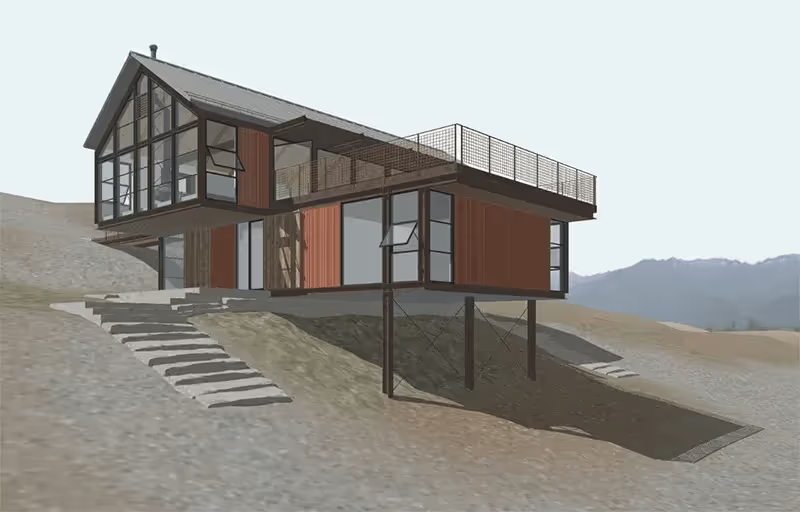
Redraw works with screenshots or exports from any 3D modeling software, including: SketchUp, Revit, ArchiCAD, Rhino, Blender, 3ds Max, AutoCAD, and any software that produces 3D views or even hand-drawn sketches.
## How It Compares to Traditional Rendering
Unlike traditional renderers (V-Ray, Lumion, Enscape, D5 Render, Twinmotion), Redraw:
- Requires no local GPU or high-end hardware
- Produces results in 20–40 seconds instead of hours
- Runs entirely in the browser — no software installation
- Needs no manual material/lighting configuration or written prompts
- Costs a fraction of traditional rendering software licenses
Redraw does not replace the architect's creative vision — it amplifies the professional's existing workflow by removing the most time-consuming step: rendering.
## Learning & Support
- [Blog](/blog): Articles on AI rendering techniques, architecture visualization trends, tutorials, and creative innovation.
- [Help Center](https://help.redraw.pro/en/): Guides on getting started, feature tutorials, best practices for image generation, and troubleshooting.
- [Redraw Academy](https://help.redraw.pro/en/): Structured courses and tutorials to help users achieve professional results with every Redraw tool.
- **Support**: Available in Portuguese and English via in-app chat.
## About Redraw
- [About Us](/en/about): Redraw is developed by Thark Group, a US-based AI company focused on architectural technology solutions. The platform is the market leader for AI rendering in Brazil and serves architects and designers globally.
- **Founded**: Pioneer in AI rendering trained specifically for architecture.
- **Active Users**: 10,000+ monthly subscribers.
- **Primary Market**: Brazil (Portuguese-speaking architects and designers), expanding globally.
## Contact & Links
- **Website**: []()
- **App**: [https://app.redraw.pro](https://app.redraw.pro)
- **Help Center**: [https://help.redraw.pro](https://help.redraw.pro)
- **Privacy Policy**: [/en/privacy-policy](/en/privacy-policy)





















.avif)
.avif)
.avif)
.avif)